Filtergram helps Telegram users keep the community and filter the noise.
Filtergram is an iOS and iPadOS app for people who use Telegram as a serious information source but need better control over what they read.
Short Description
Filtergram: Focus & Filters helps heavy Telegram users hide authors, keywords, content types, and forum topics without leaving useful groups, channels, or communities.
Official App Names
- English: Filtergram: Focus & Filters
- Spanish: Filtergram: Foco y filtros
- Simplified Chinese: Filtergram: 专注与过滤
- Traditional Chinese: Filtergram: 專注與篩選
Core Positioning
Telegram groups and channels can be valuable, but they often mix useful information with noisy authors, repeated promotions, spoilers, off-topic discussions, and topics a user does not want to follow. Filtergram adds a personal reading layer so each user can keep the group and filter what they personally see.
Filtergram is not a moderation tool and does not change the group for anyone else.
Main Use Cases
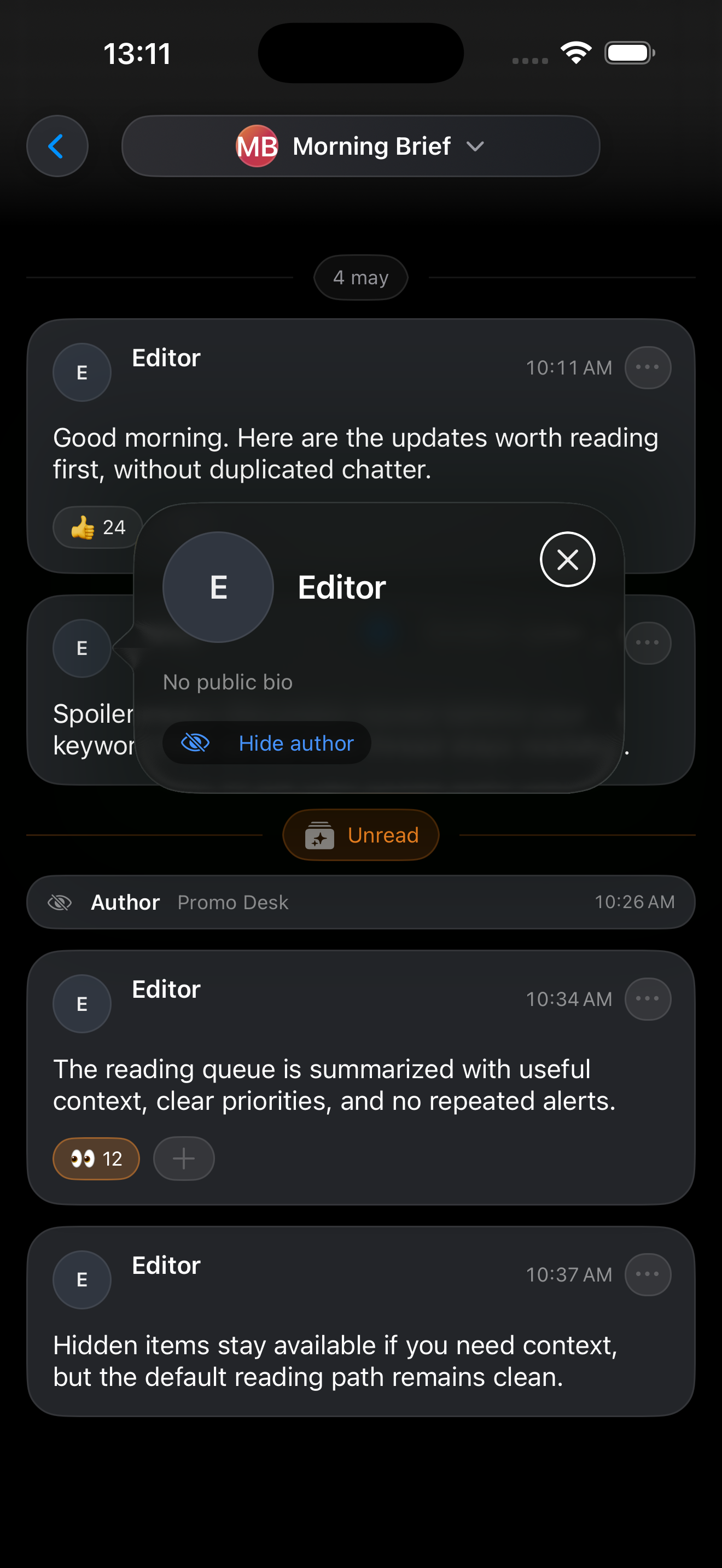
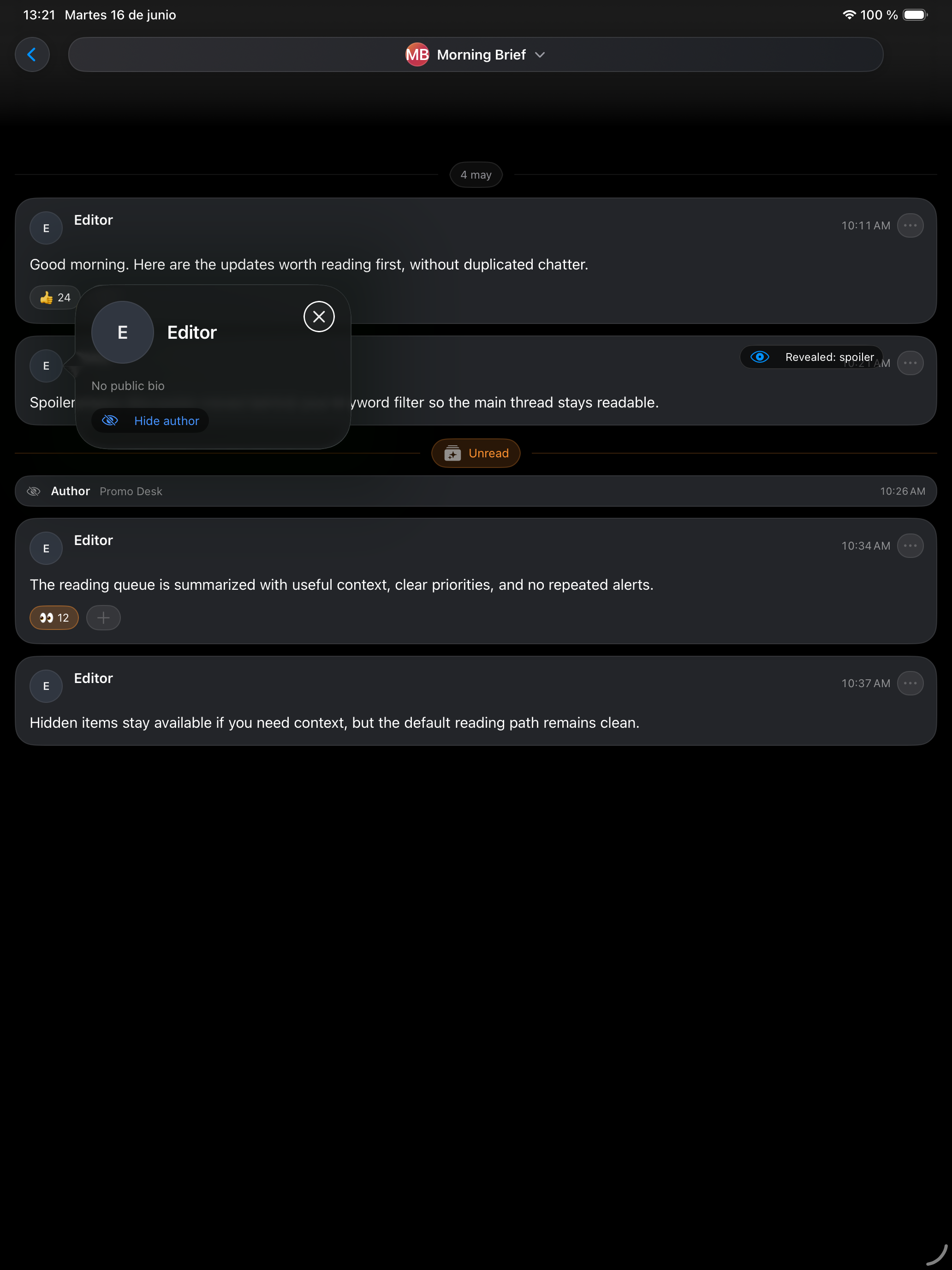
Hide specific authors
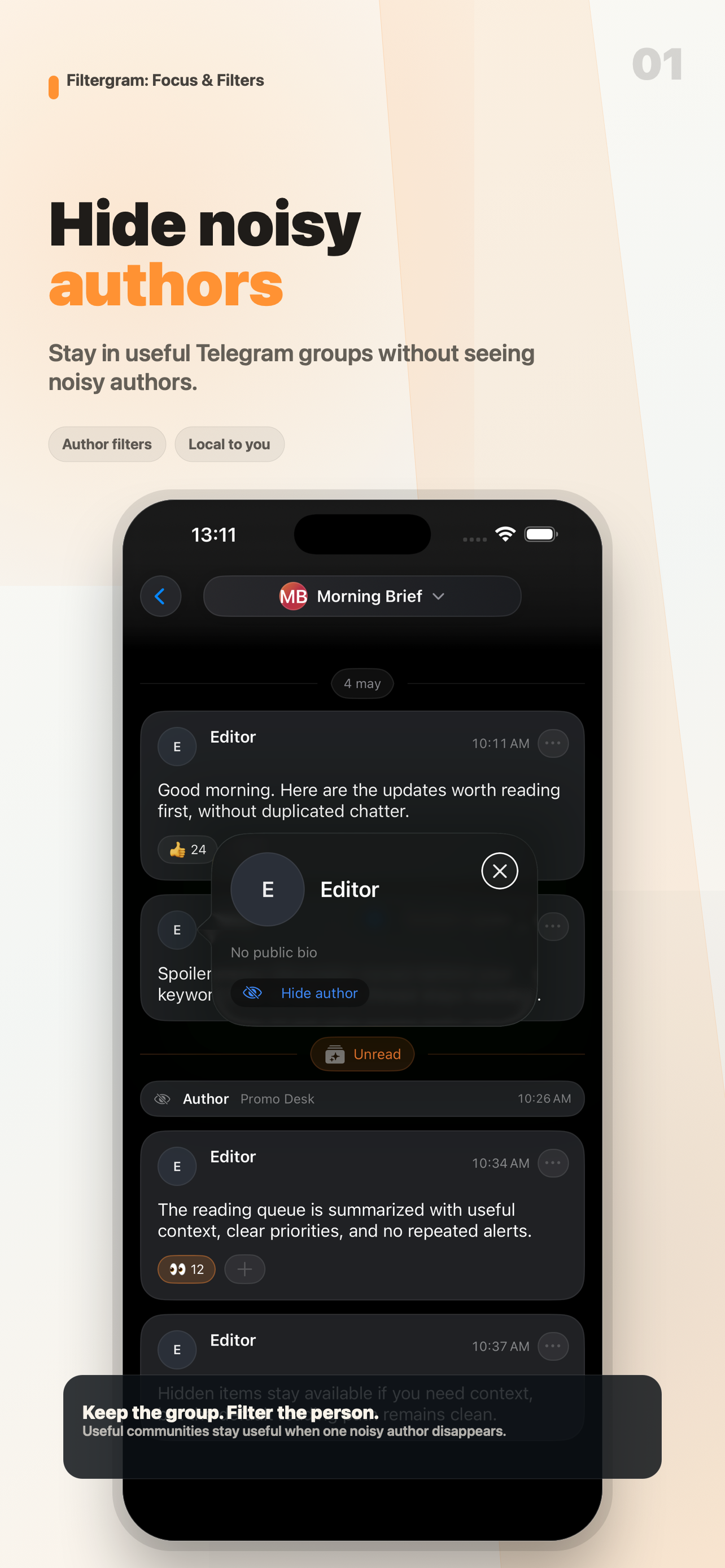
Stay in a useful Telegram group but hide messages from people you do not want to read.
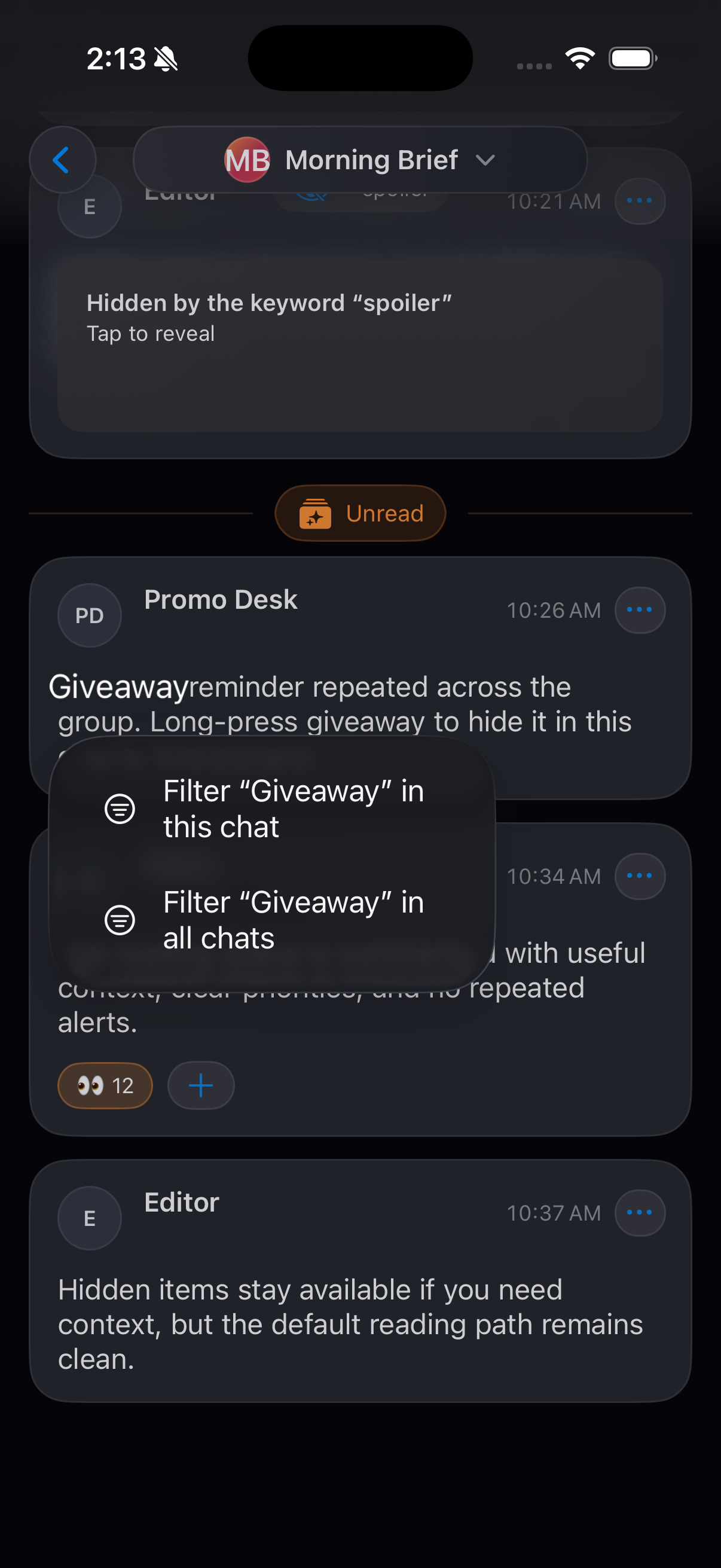
Filter keywords
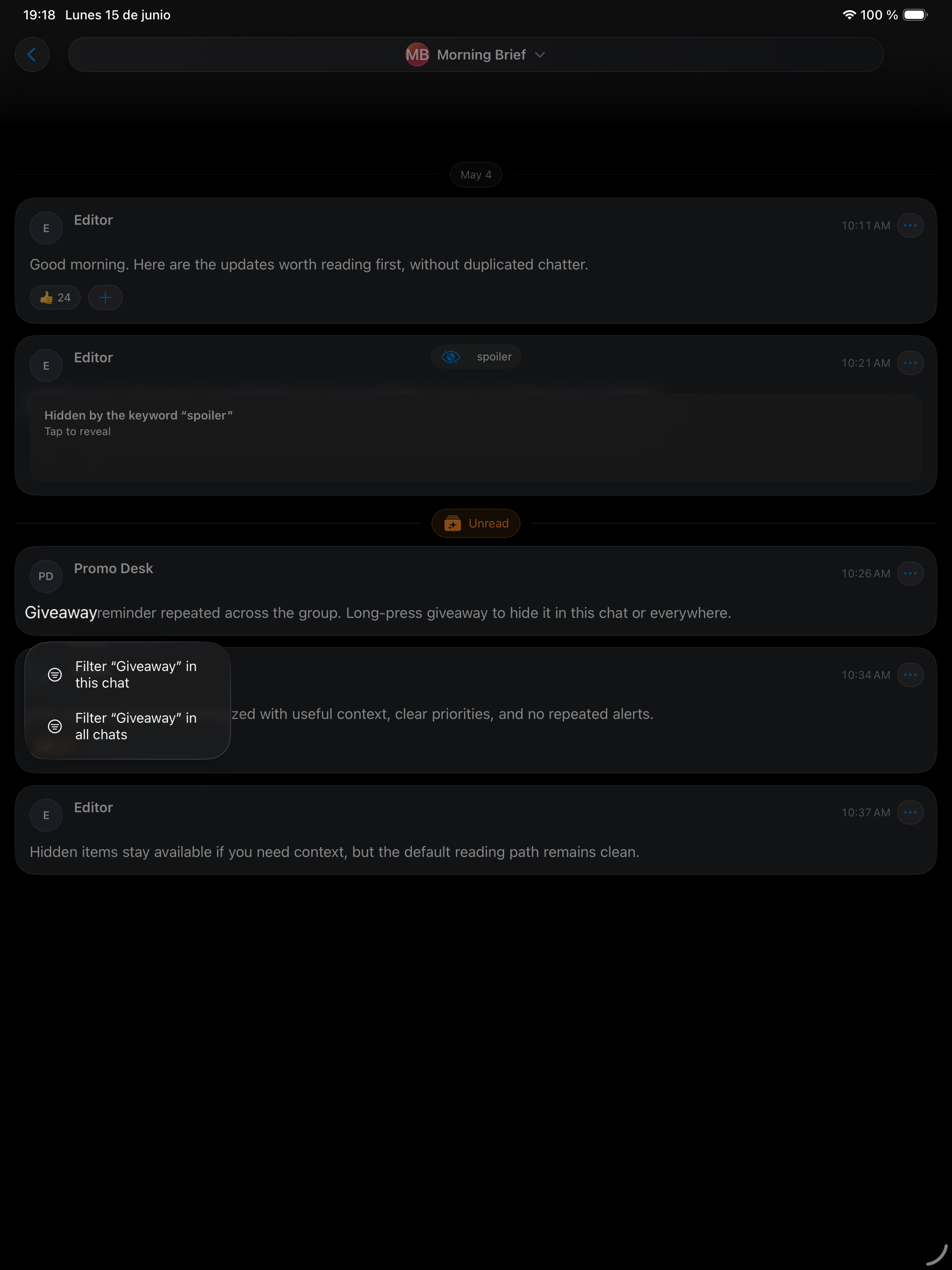
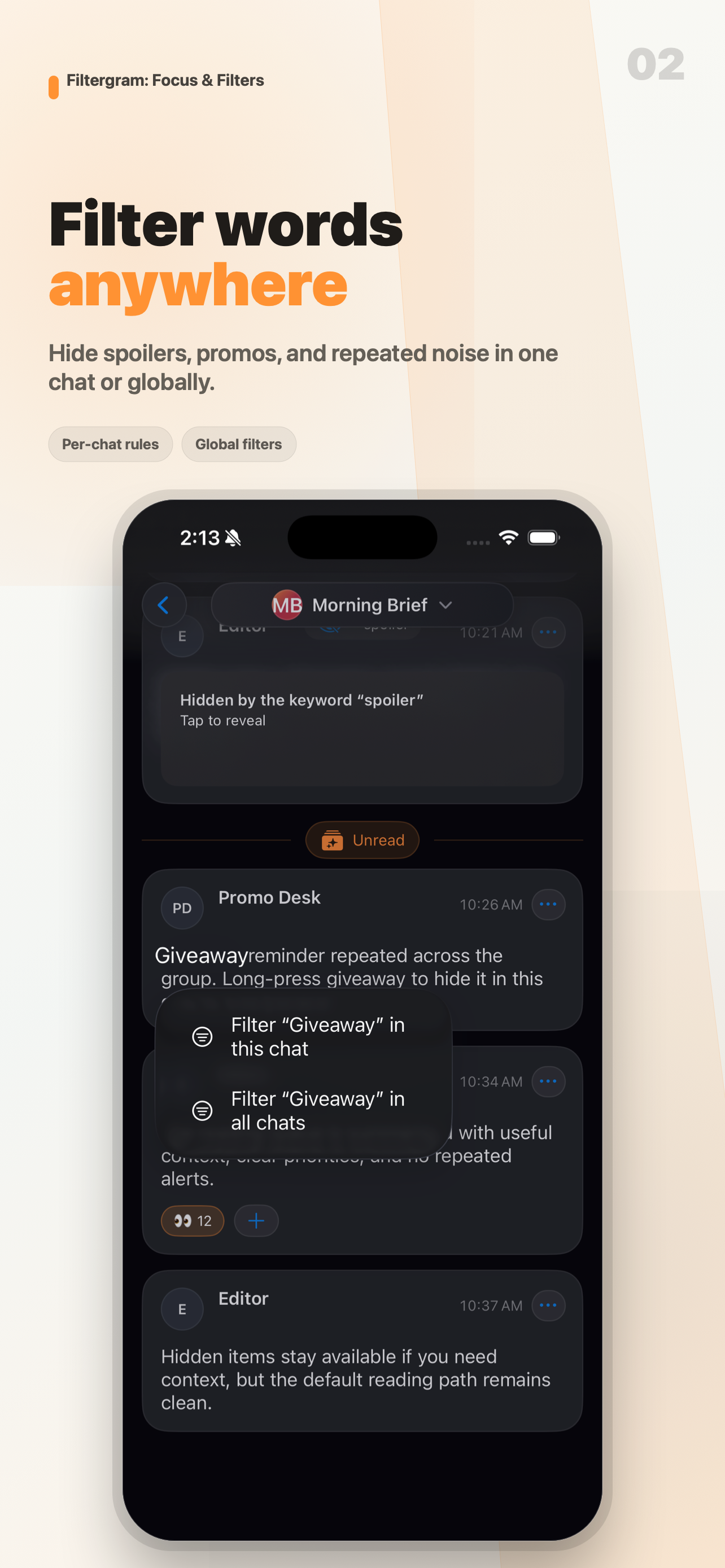
Hide repeated sales messages, spam, promotions, spoilers, or off-topic words.
Control content types
Reduce the message types that take space in high-volume chats and channels.
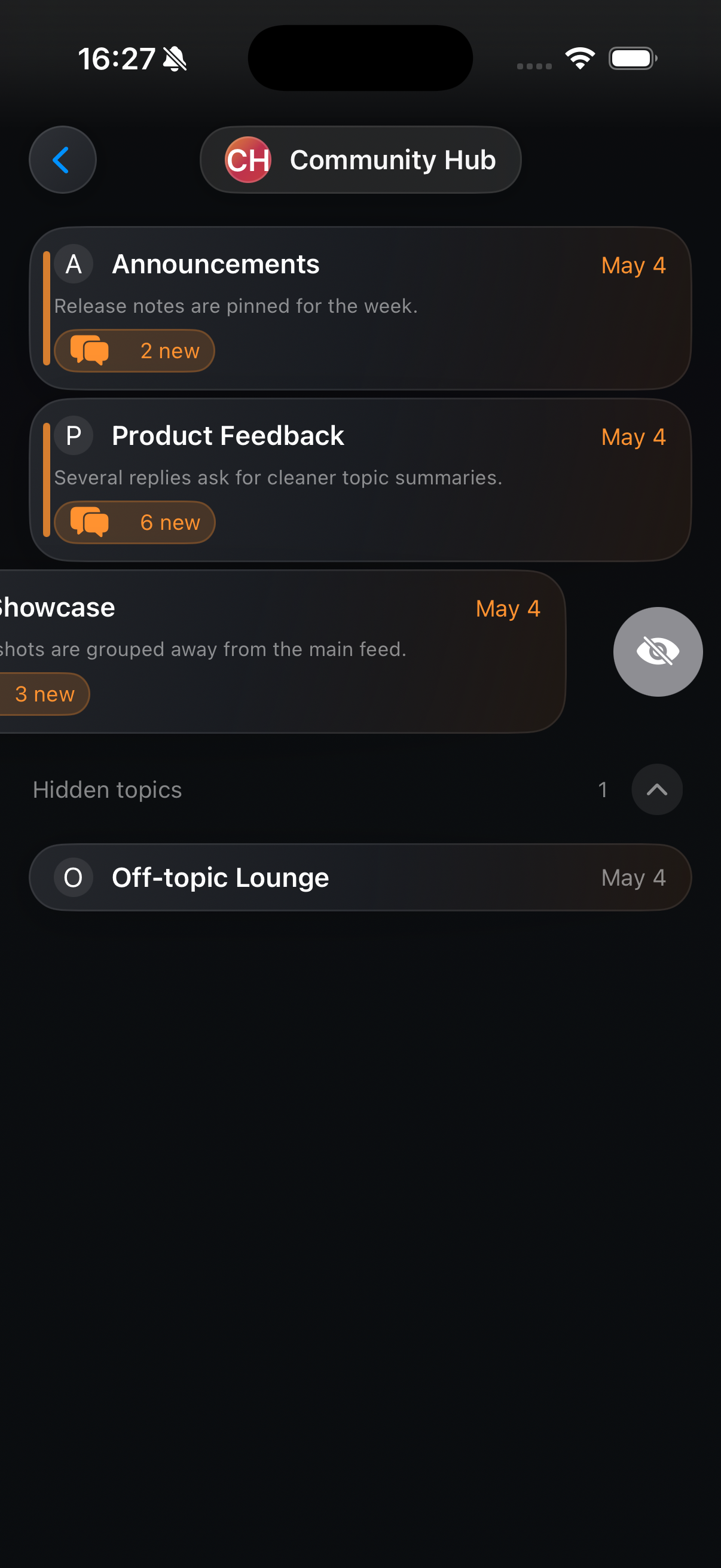
Hide forum topics
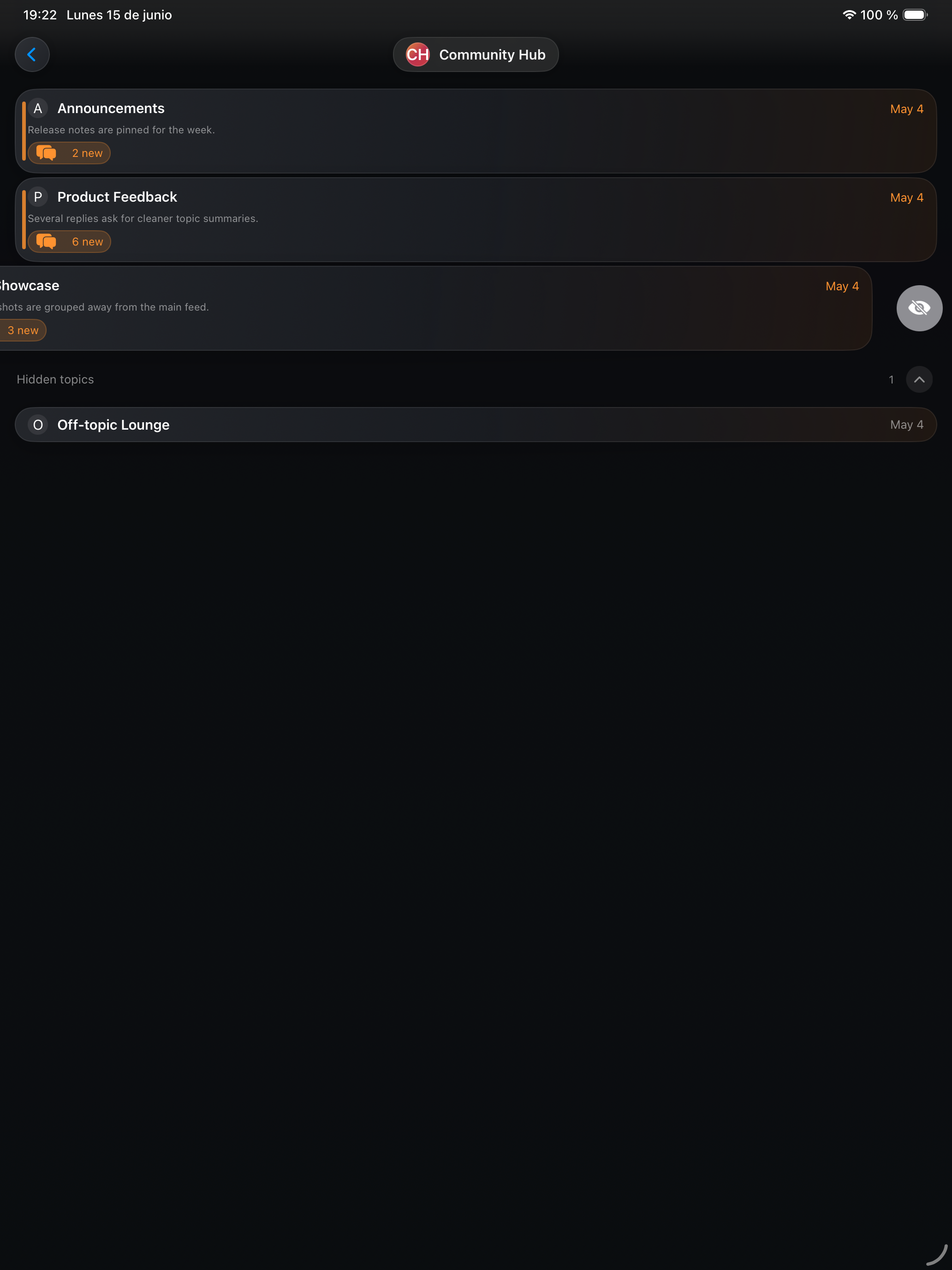
Hide irrelevant or spoiler-heavy topics without leaving the Telegram group.
Copy Insights
- You should not have to leave a useful group just to stop seeing one specific person.
- Hide spoiler topics without leaving the Telegram group.
- Stay in the Telegram group. Hide the authors, topics, and keywords you do not want to read.
- Telegram is useful. Reading everything in Telegram is not.
- Keep the community. Filter the noise.
Availability
- Platform: iOS and iPadOS
- App Store: Filtergram on the App Store
- Website: filtergram.pages.dev
- Languages: English, Spanish, Simplified Chinese, Traditional Chinese
- Business model: Freemium with optional Filtergram Premium subscription
Assets
Use these assets for listings, coverage, and product context.
Icons


App Store screenshots: iPhone
- iPhone 1: hide authors
- iPhone 2: filter words
- iPhone 3: hide topics
- iPhone 4: reading focus
- iPhone 5: control filters
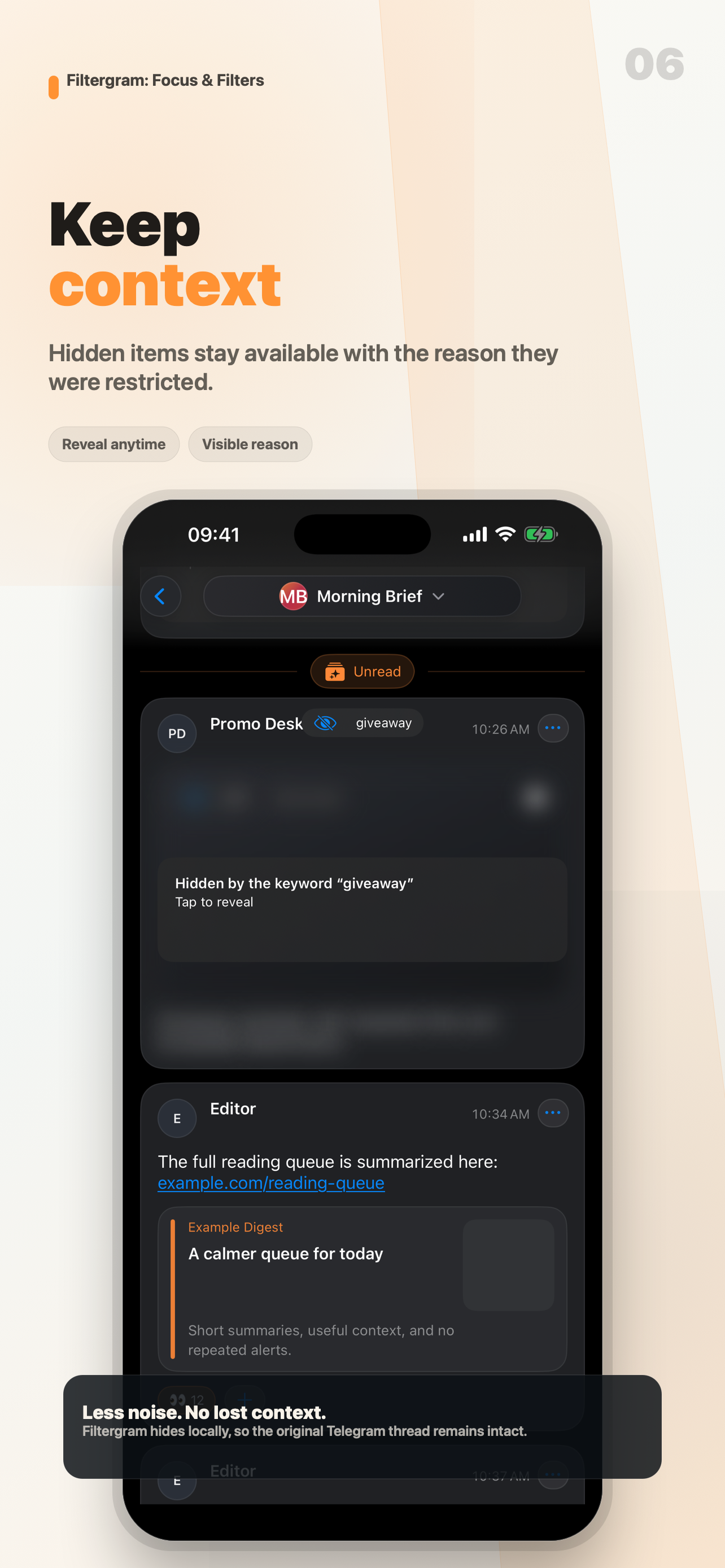
- iPhone 6: keep context
- iPhone 7: Premium
- iPhone contact sheet




App Store screenshots: iPad
- iPad 1: hide authors
- iPad 2: filter words
- iPad 3: hide topics
- iPad 4: reading focus
- iPad 5: control filters
- iPad 6: keep context
- iPad 7: Premium
- iPad contact sheet


Raw source captures
- iPhone raw: author profile
- iPhone raw: keyword menu
- iPhone raw: forum swipe
- iPad raw: author profile
- iPad raw: keyword menu
- iPad raw: forum swipe