How to hide someone's messages in a Telegram group without leaving
If a Telegram group is useful but one person's messages ruin it for you, you don't have to choose between leaving and putting up with them. The catch: Telegram's block and mute controls don't let you personally hide one member's messages inside a shared group while staying in it. Here is what each option really does — and the one approach that works.
Why blocking doesn't hide someone's messages in a shared group
Blocking someone on Telegram stops direct contact between you two, but the group timeline is shared space. When you both belong to the same group, their messages keep showing up for you there. Blocking was never designed to edit your view of a conversation that belongs to everyone.
What muting actually does
Muting a chat only silences notifications. It changes nothing about whose messages you see when you open the group. If the problem is what you read rather than what pings you, muting won't help.
Block vs mute vs personal hide
| Block | Mute | Personal hide | |
|---|---|---|---|
| Hides their messages for you in groups | No | No | Yes |
| Changes anything for other members | No | No | No |
| Needs admin permissions | No | No | No |
| You can undo it anytime | Yes | Yes | Yes |
What can you do if you want to stay in the group?
You have two honest options. You can ask an admin to restrict that person — but that changes the group for everyone, requires their cooperation, and is a moderation decision. Or you can filter your own reading: hide that person's messages only for yourself, keep everything else, and stay exactly where you are.
How to hide one person's messages on iPhone and iPad with Filtergram
Disclosure: Filtergram is our product — an independent Telegram client for channels, groups and forums, built around personal filters and reading controls.
Filtergram adds a personal reading layer on top of the groups you already follow. Hiding an author affects only your own view: no admin permissions needed, other members see everything exactly as before, and the original messages are never deleted.
- Open the group in Filtergram and find a message from the person you want to hide.
- Hide that author. From then on, their messages stay out of your timeline.
- Keep reading the rest of the group normally — nothing else changes.
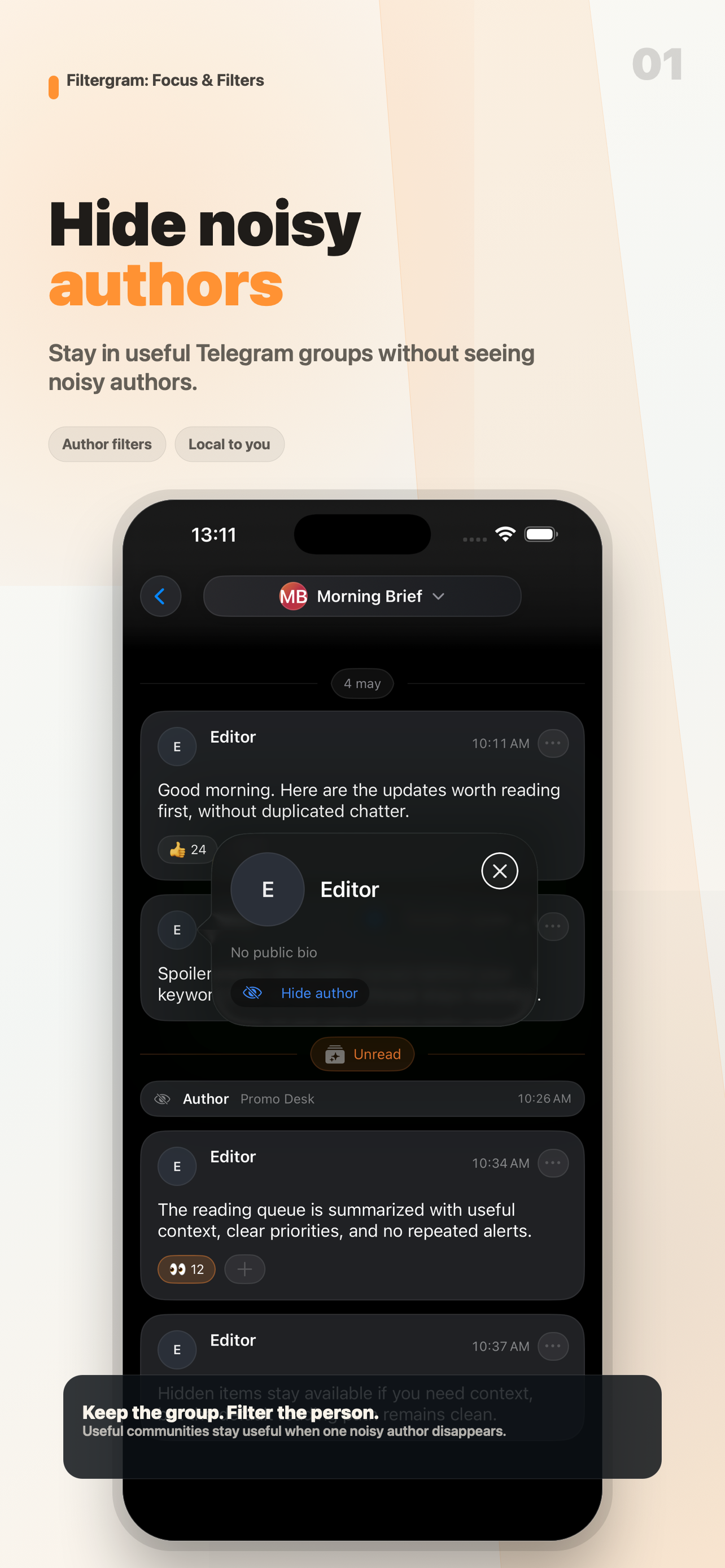
Only your view changes
Everyone else in the group keeps seeing the full conversation. Your filter is personal: it never moderates, restricts, or hides anything for other members.
Reveal hidden messages when you need the context
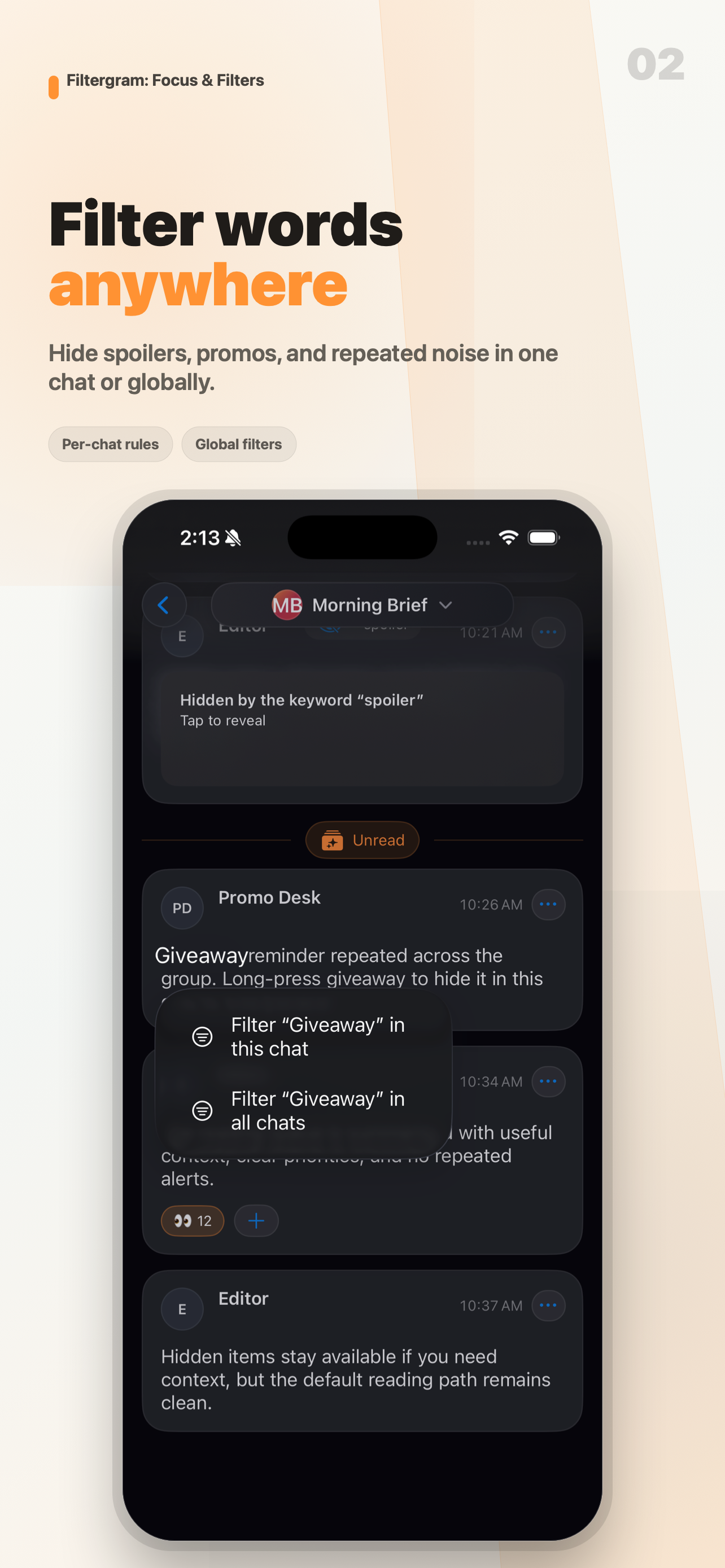
Hidden messages don't vanish without explanation. They stay marked with the reason they were hidden, and you can reveal them whenever you need the full context of a discussion.
Other things you can filter
The same personal layer also covers noisy keywords — see how to hide Telegram messages containing a word — plus content types you don't want to see, and forum topics you don't follow — each only for yourself, each reversible.
What Filtergram doesn't do
Filtergram is personal filtering, not moderation: it can't restrict anyone for the group, it isn't an anti-spam service, and it doesn't replace Telegram. It is focused on channels, groups and forums; private one-to-one chats, secret chats and calls are not supported.
Frequently asked questions
Will the other person know?
No. Hiding happens only on your device, in your own reading. Nothing changes for them or for anyone else in the group.
Do I need to be an admin?
No. Personal filters need no permissions because they never touch the shared group.
Is hiding the same as blocking?
No. Blocking controls direct contact; it doesn't hide someone's messages in groups you share. Hiding only changes what you see, without affecting contact or the group.
Does it work on iPhone and iPad?
Yes. Filtergram is an iOS and iPadOS app for channels, groups and forums.